TL;DR:
- Parental controls are essential tools that most families underactivate, leaving kids unprotected online.
- European laws now mandate built-in parental controls on new devices and platform age verification.
- Combining layered controls with open family conversations best supports safe, responsible digital habits.
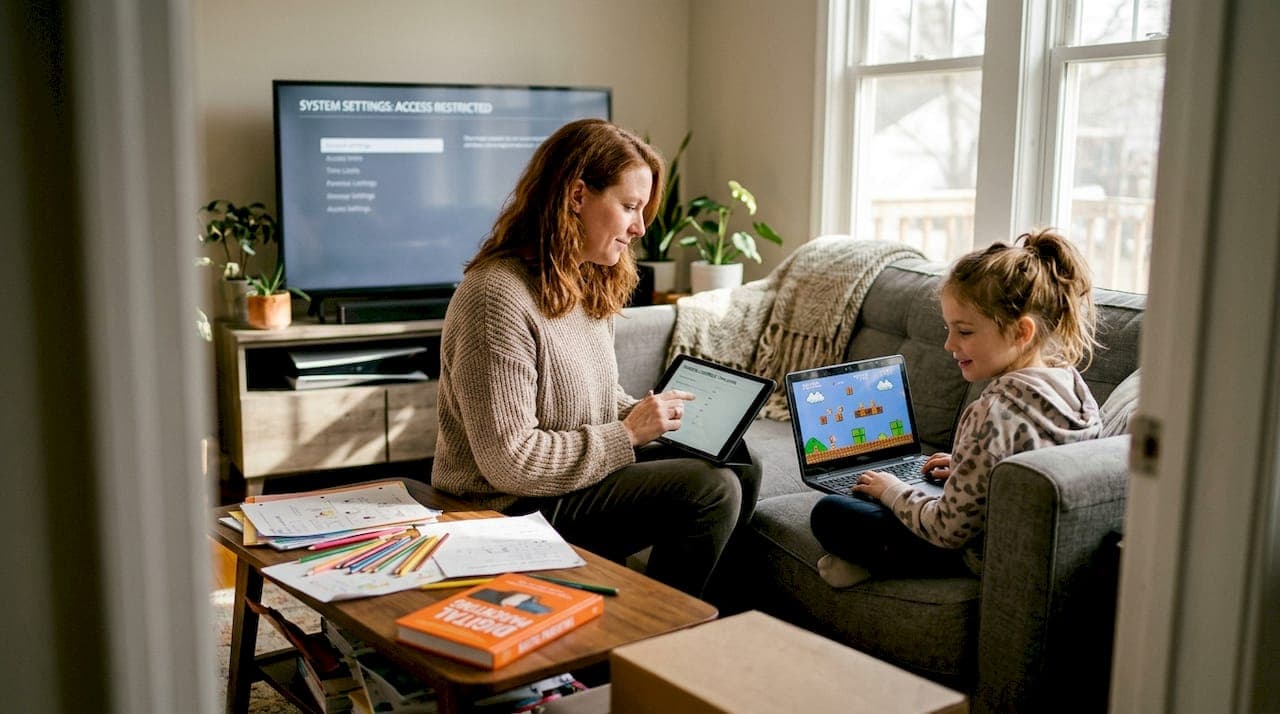
Most parents assume the default settings on a new device are enough to keep their kids safe online. They are not. Parental controls are built-in features or third-party apps designed to manage children's device usage and online safety, yet most families never fully activate them. European regulations are tightening fast, and the gap between what devices can do and what parents actually set up is wider than most realize. This guide walks you through what parental controls really are, what European law now requires, how effective these tools actually are, and how to set them up properly across every device in your home.
Table of Contents
- What are parental controls in electronics?
- Laws and regulations: What European parents need to know
- How effective are parental control tools?
- Common challenges and smart solutions
- A practical approach: How to set up parental controls in your home
- Our take: What most guides miss about parental controls
- Next steps: Choose inspired electronics for your family
- Frequently asked questions
Key Takeaways
| Point | Details |
|---|---|
| Parental controls defined | They are device settings and apps that help parents manage and protect children's online experiences. |
| European legal requirements | Laws like DSA and national mandates mean most devices must have effective controls and age verification tools. |
| Tools must be layered | Combining device controls, certified software, and open family conversation is the most reliable protection. |
| Review settings regularly | Update and test your controls at least every quarter since technology and risks change quickly. |
| Monitoring is not enough | Parental controls are a starting point, but empowering digital literacy and trust makes lasting safety. |
What are parental controls in electronics?
Parental controls are software settings or dedicated apps that let you manage how your child interacts with a device. They are not surveillance tools in the traditional sense. They are practical guardrails that help you shape a safer, healthier digital environment for your kids.
For anyone new to understanding consumer electronics, it helps to know that parental controls exist across nearly every category of device. Smartphones, tablets, laptops, gaming consoles, smart TVs, and even home routers all support some form of parental management.
Here is what most modern parental control systems can do:
- Screen time limits: Set daily or weekly usage caps per app or device
- Content filtering: Block websites, apps, or media by age rating or category
- Activity reports: Review browsing history, app usage, and search terms
- Communication controls: Restrict who your child can call, text, or message
- In-app purchase controls: Prevent accidental or unauthorized spending
- Location tracking: Monitor your child's physical location in real time
As the FTC notes, parental controls can restrict content, manage screen time, monitor activity, and protect against unwanted purchases across connected devices.
Parental controls work best as one part of a broader family strategy. They support healthier habits, but they are not a replacement for open conversations about online behavior and digital responsibility.
One important distinction: parental controls are not designed to replace trust or family dialogue. They are tools that support your guidance, not substitute for it. Think of them as the digital equivalent of knowing which neighborhood your child is playing in.
Laws and regulations: What European parents need to know
European parents face an extra layer of responsibility beyond simply setting up controls. Legal frameworks are now making parental tools a requirement, not just a recommendation.
The Digital Services Act (DSA), specifically Article 28, requires platforms operating in the EU to implement age assurance systems and parental controls for minors. This is not optional. Platforms that fail to comply face significant fines. You can read more about how DSA online safety rules are reshaping the digital landscape for children across Europe.
Beyond the DSA, individual countries have gone further. DSA Article 28 requires age assurance and parental controls on platforms, while France and Spain have introduced national rules requiring these features directly on devices sold to consumers.
Here is a summary of current requirements by country:
| Country | Requirement | Status |
|---|---|---|
| EU (all members) | DSA age assurance and parental controls on platforms | Active since 2024 |
| France | Built-in parental controls mandatory on new connected devices | Active since 2024 |
| Spain | Parental control features required on connected devices | Active since 2024 |
| Germany | Age verification and content protection on streaming platforms | Active |
| Italy | Parental controls required on devices sold to families | In progress |
What does this mean when you are buying electronics in 2026? Look for devices that explicitly advertise compliance with EU child safety standards. Modern European devices from reputable brands increasingly include these features out of the box.
Key things to check before purchasing:
- Does the device include a dedicated family or child safety mode?
- Is the parental control interface accessible without technical expertise?
- Does the manufacturer provide regular software updates to maintain compliance?
- Is the device certified for sale in your specific EU member state?
Buying a non-compliant device does not just create a safety risk. In some countries, it may mean the device lacks the technical infrastructure to support proper controls at all.
How effective are parental control tools?
With legal obligations defined, the practical question remains: do these tools actually work?
The short answer is yes, with important caveats. According to FOSI's 2025 Online Safety Survey, over 80% of households find parental controls effective for content filtering, though time limit enforcement receives lower satisfaction scores.
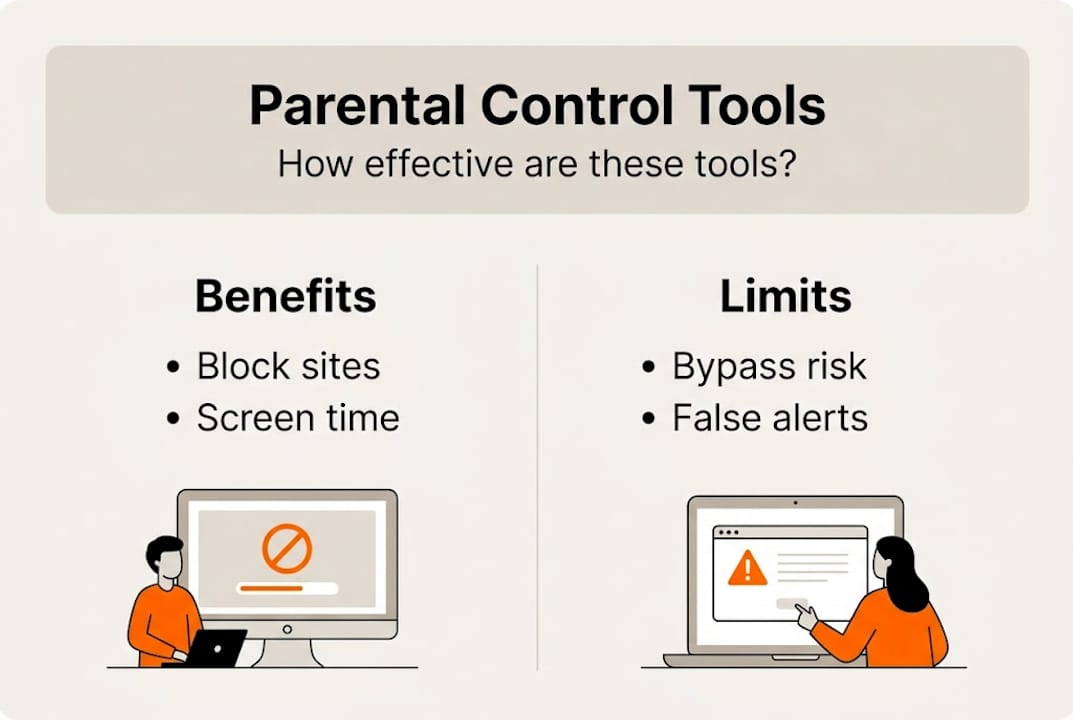
On the technical side, AV-Comparatives sets the benchmark at a 95% block rate as the standard for reliable parental control software. Kaspersky Safe Kids, for example, blocks 96.8% of explicit sites in independent testing. DNS-based filters like dns0.eu perform well but show lower effectiveness against newer or less-categorized content.
Here is a comparison of popular parental control options:
| Tool | Type | Block rate | Key limitation |
|---|---|---|---|
| Kaspersky Safe Kids | App-based | 96.8% | Requires installation on each device |
| Google Family Link | Built-in (Android) | ~90% | Limited on non-Google apps |
| Apple Screen Time | Built-in (iOS/macOS) | ~88% | Bypass possible via iCloud reset |
| dns0.eu | Network/DNS | ~80% | Less effective on HTTPS-only sites |
| Circle Home Plus | Router-based | ~92% | Requires hardware purchase |
No single tool blocks everything. Layering two or more control methods consistently outperforms any single solution.
When selecting the smartest device features for your family, prioritize devices that support multiple control layers rather than relying on one app alone.
Pro Tip: Pair your chosen parental control app with a router-level filter. This way, even if a child switches browsers or uses a new app, the network layer still applies restrictions.
Common challenges and smart solutions
Even the best tools have real-world limits. Tech-savvy children often find workarounds faster than parents expect.
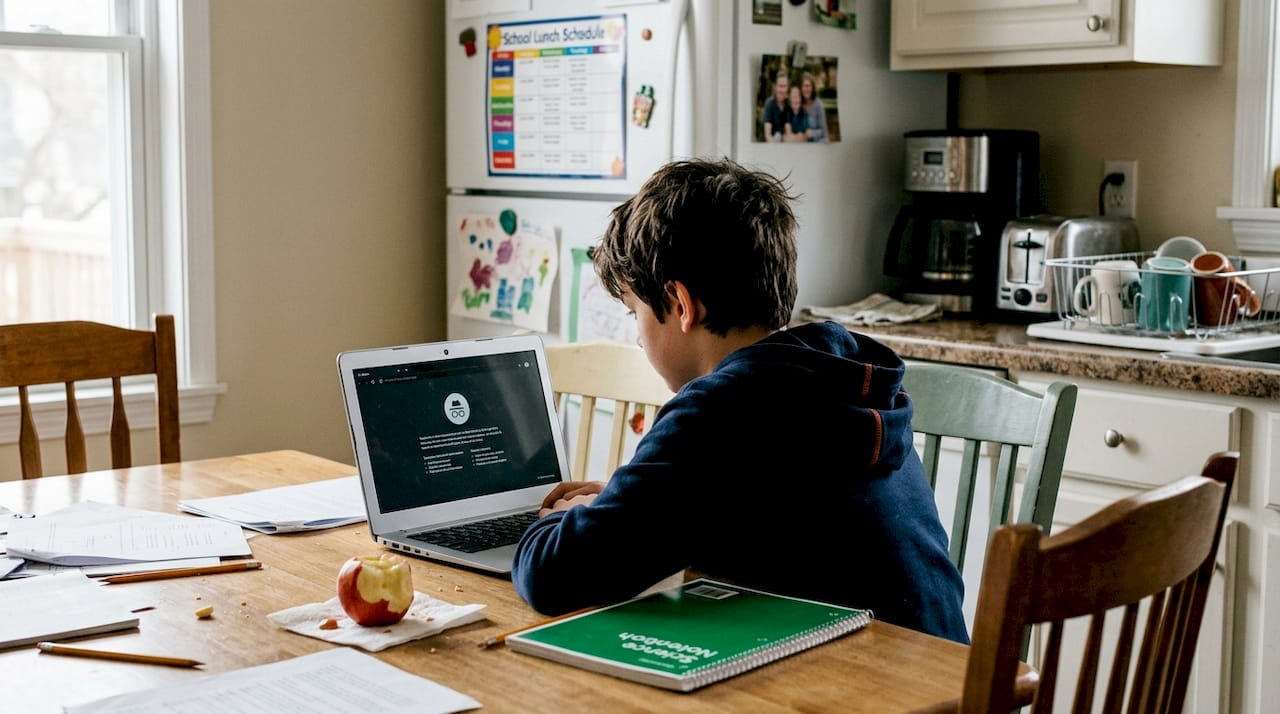
The most common bypass methods include using VPNs to mask internet traffic, switching to incognito or private browsing modes, performing device resets to wipe installed controls, and manually changing DNS settings. As internet safety experts note, VPNs, incognito mode, and DNS changes are the top tools children use to circumvent filters, and layering controls is the recommended defense.
There is also a deeper concern. Research published in ScienceDirect warns that over-reliance on monitoring can reduce a child's ability to self-regulate online. Tools focused purely on surveillance rather than teaching digital literacy may create dependency rather than resilience. Some apps also introduce privacy risks if they collect and store excessive behavioral data.
Here are four practical solutions to stay ahead:
- Layer your defenses. Combine device-level controls with router filtering. If one layer fails, the other catches it.
- Use whitelisting for younger children. Instead of blocking bad content, only allow pre-approved websites and apps. This is far harder to bypass.
- Have age-appropriate conversations. Explain why certain content is restricted. Children who understand the reasoning are less motivated to bypass controls.
- Vet every app carefully. Before installing new apps, check their privacy policy and data collection practices. Some apps marketed as safe for kids collect more data than necessary.
Pro Tip: Set a quarterly reminder to test your parental controls. Try accessing blocked content yourself to confirm filters are still active. Do not assume a setup from six months ago still works after system updates.
For more guidance, the benefits of advanced electronics and detailed buying electronics guides can help you choose devices with robust, updatable control systems.
A practical approach: How to set up parental controls in your home
Ready to put theory into action? Here is a hands-on approach that works for every home setup.
Experts recommend combining built-in controls from Apple, Google, and Microsoft with certified third-party parental software and network-level filtering for the best results. Start with what you already have, then build from there.
Choose controls based on device type:
- Smartphones and tablets: Use Apple Screen Time (iOS) or Google Family Link (Android) as your baseline
- Windows PCs: Enable Microsoft Family Safety through the account settings panel
- Gaming consoles: PlayStation, Xbox, and Nintendo Switch all include dedicated parental dashboards
- Smart TVs: Use the built-in content rating locks and PIN protection
- Home router: Enable DNS filtering or purchase a dedicated family router with built-in controls
Follow these steps to get set up properly:
- Audit your devices. List every connected device your child uses. Include gaming handhelds, smart speakers, and secondary tablets.
- Enable built-in controls first. These are free, reliable, and already on the device. Set age-appropriate content ratings and daily time limits.
- Install certified third-party software. For devices that need stronger filtering, add a tested app like Kaspersky Safe Kids or Bark.
- Configure your router. Set up DNS filtering at the network level. This covers any device that connects to your home Wi-Fi, including friends' devices during visits.
- Test every layer. Try accessing a blocked site from each device to confirm filters are working.
- Review quarterly. As the Android parental controls setup guide from Internet Matters confirms, regular updates and testing are essential because software changes can reset or alter your settings.
For multi-age households, create separate profiles for each child. A 7-year-old and a 14-year-old have very different needs. Most platforms support individual profiles with distinct restrictions. Check our review buying guides and safe electronics shopping resources for device-specific recommendations.
Our take: What most guides miss about parental controls
Most parental control guides stop at the technical setup. We think that misses the point entirely.
When you focus only on monitoring and blocking, you risk raising children who know how to get around restrictions but not why certain content is harmful. Smarter device habits start with understanding, not just enforcement. A child who has never been taught to evaluate online content is vulnerable the moment they step outside your controlled network.
The families who report the best outcomes are not the ones with the most aggressive filters. They are the ones who combine reasonable technical controls with regular, honest conversations about what their children encounter online. Controls handle the volume of risk. Conversations build the judgment to handle what slips through.
Parental controls are tools. Powerful ones, but tools nonetheless. They work best when they support a relationship of trust rather than replace it. Equip your devices, educate your children, and empower them to make better choices independently. That is the goal worth working toward.
Next steps: Choose inspired electronics for your family
Finding the right devices makes implementing all of this significantly easier. When electronics come with built-in, updatable parental controls and EU compliance built in from the start, setup takes minutes rather than hours.

At Online-Store24, we carry a wide range of family-friendly electronics sourced from trusted European distributors. Whether you need a compliant smartphone, a smart router with filtering capabilities, or network accessories like Trendnet parental control devices that support advanced home network management, we have options to fit every household. Explore secure electronics across our full catalog and find devices built to support safer digital experiences for your entire family.
Frequently asked questions
Do all devices in Europe require built-in parental controls?
Most new devices sold in countries like France and Spain must include built-in parental controls as of 2024 due to national laws and DSA requirements. Requirements vary by country, so always check local compliance before purchasing.
Can children bypass parental control tools?
Tech-savvy children may bypass some controls using VPNs, incognito mode, or DNS changes, which is why layering multiple control methods and reviewing settings regularly is strongly recommended.
What is the most effective parental control method?
Certified apps with a 95%+ blocking rate, combined with built-in device controls and router-level filtering, deliver the strongest protection when used together alongside ongoing family conversations.
How often should I review parental control settings?
Device profiles and settings should be reviewed at least quarterly, or whenever your child receives a new device, as regular testing and updates are essential to maintaining effective protection after software changes.